Plug in your USB stick after a gig. DJ Rewind turns what you played into Rewinds you can post straight to your Instagram story.
Free to start. Straight from the stick you played on CDJs. No laptop after the gig.After your gig, plug the stick you played from into your iPhone. DJ Rewind reads what you played and never changes anything on it.
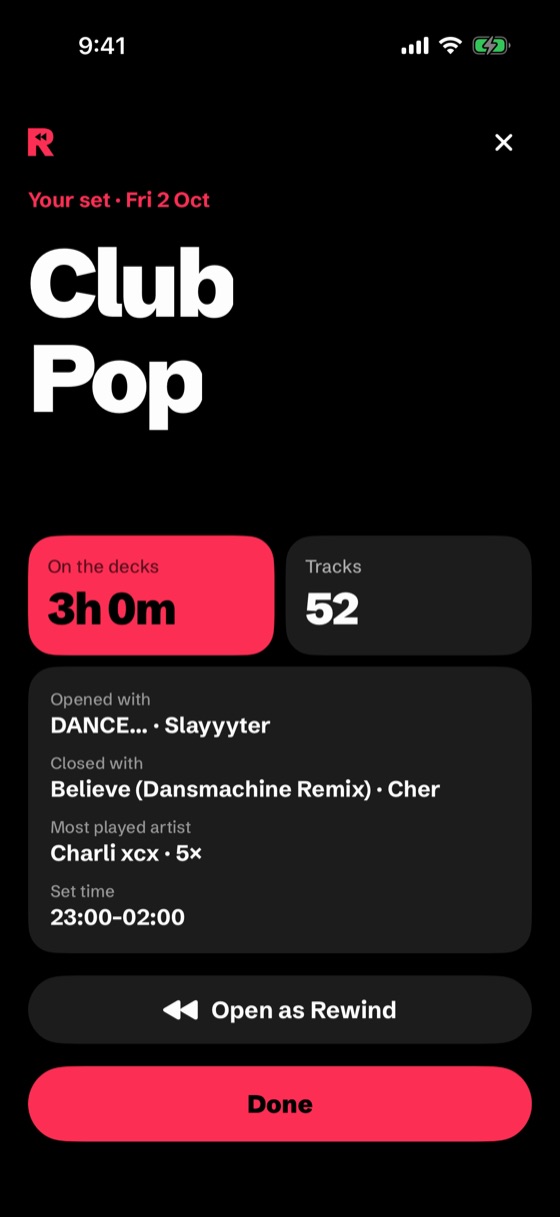
Add the venue and your hours, the rest is done for you: your tracks, your artists, your BPM journey, even your keys.
Share your night straight to your story, the moment the gig's over. And on the 1st, your whole month is waiting.
No laptop needed: plug your stick straight into your iPhone, backstage or in the taxi home.
From your set to your Instagram story in one tap, no sending files around.
No upload, no account. It even works without signal.
iPhone 15 and newer take your stick straight away.
Any USB-C to USB-A adapter does the job.
Use Apple's Lightning to USB 3 Camera Adapter. If your stick needs more power, plug a charger into the adapter.
Works on any iPhone with iOS 18 or newer: iPhone XS, XR and later, and iPhone SE (2nd generation) and later. Same stick as in the booth, nothing to reformat.
Venue, hours, songs, most played artist, opener and closer.

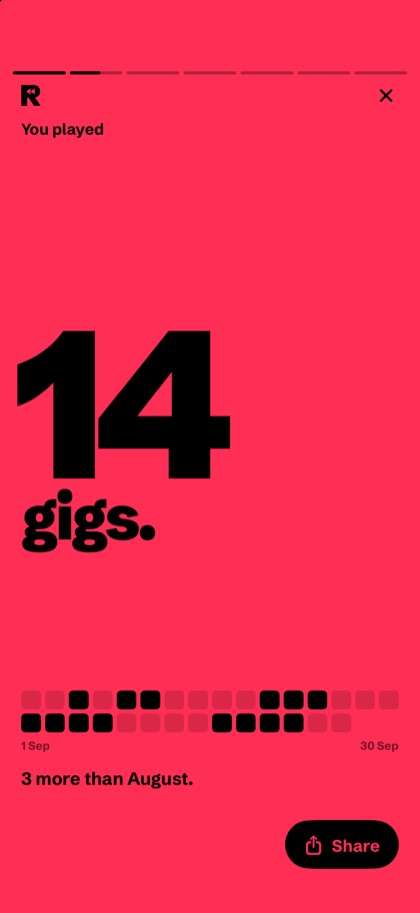
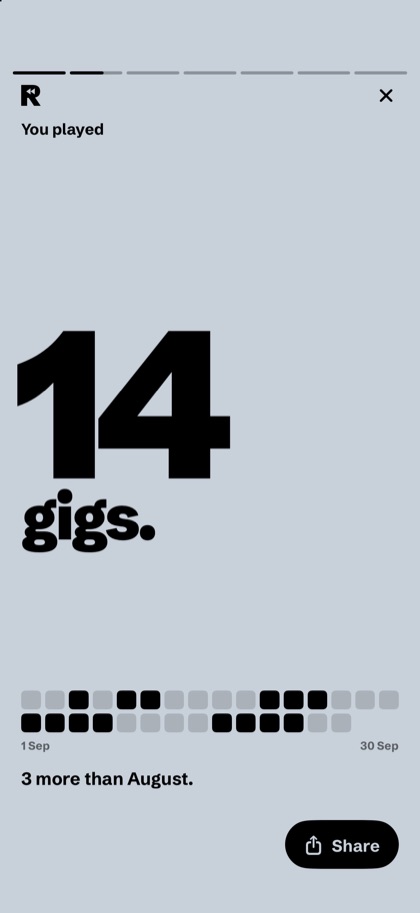
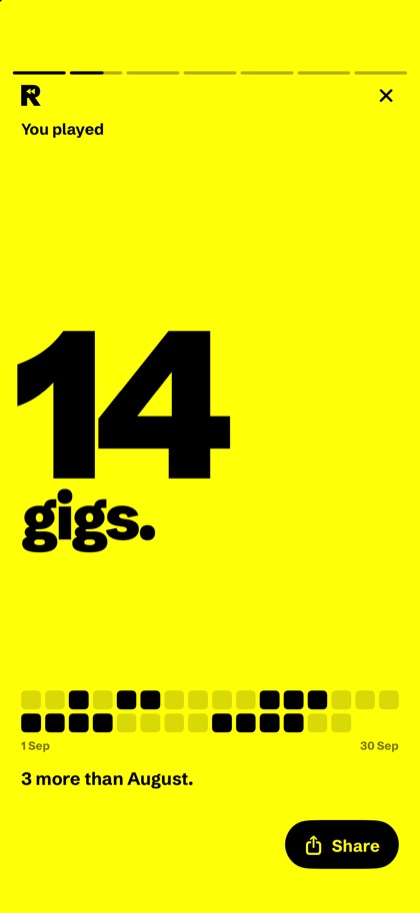
Gigs, time played, top artists, your anthem and every venue, as a story.
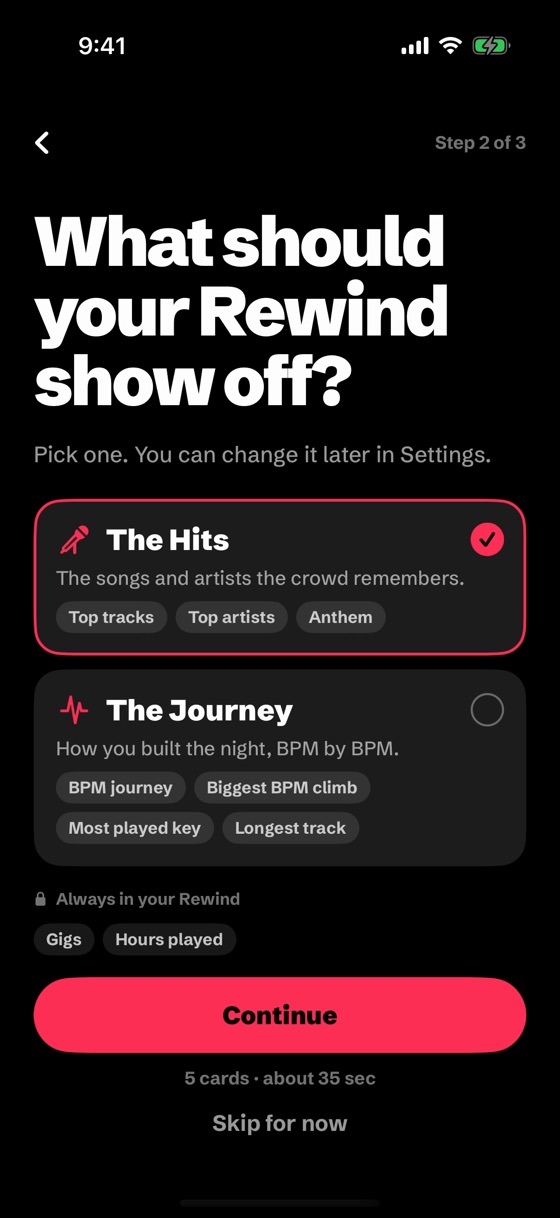
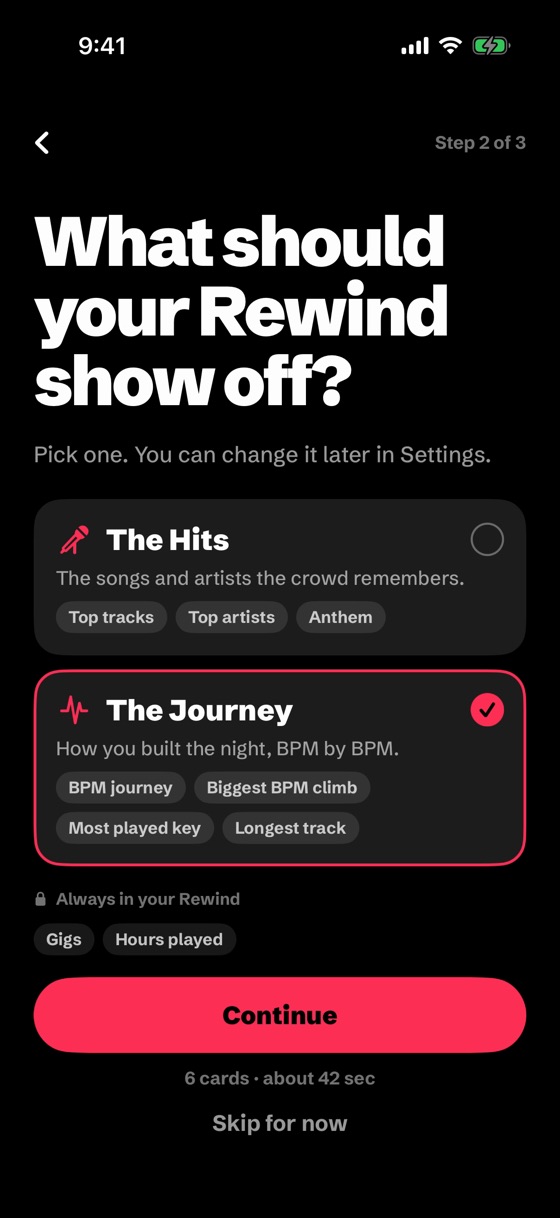
Show off your top tracks and artists, or your BPM journey, key and longest track.


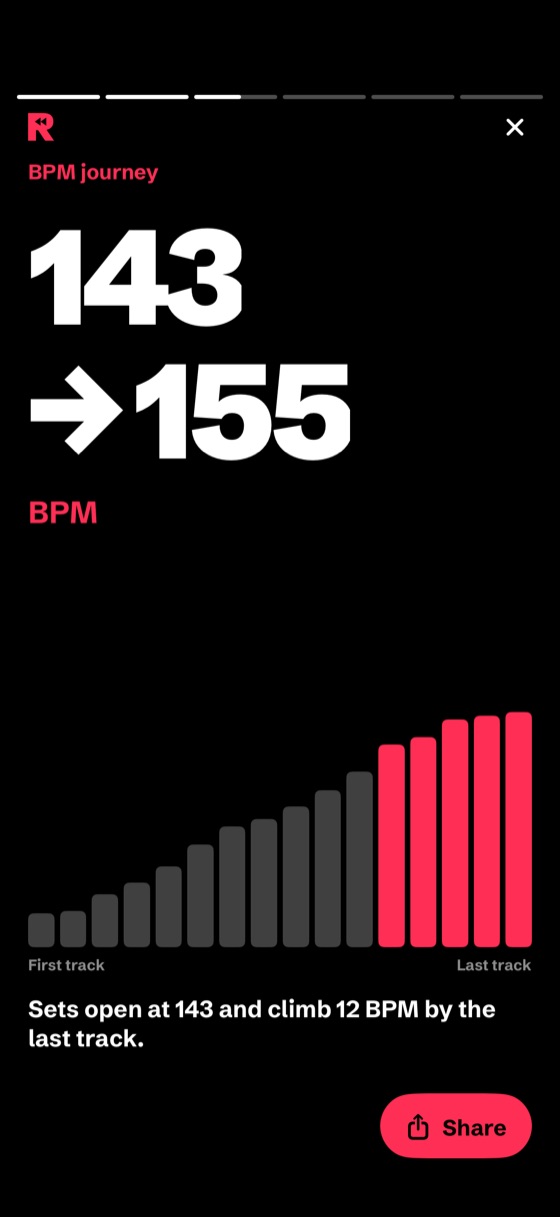
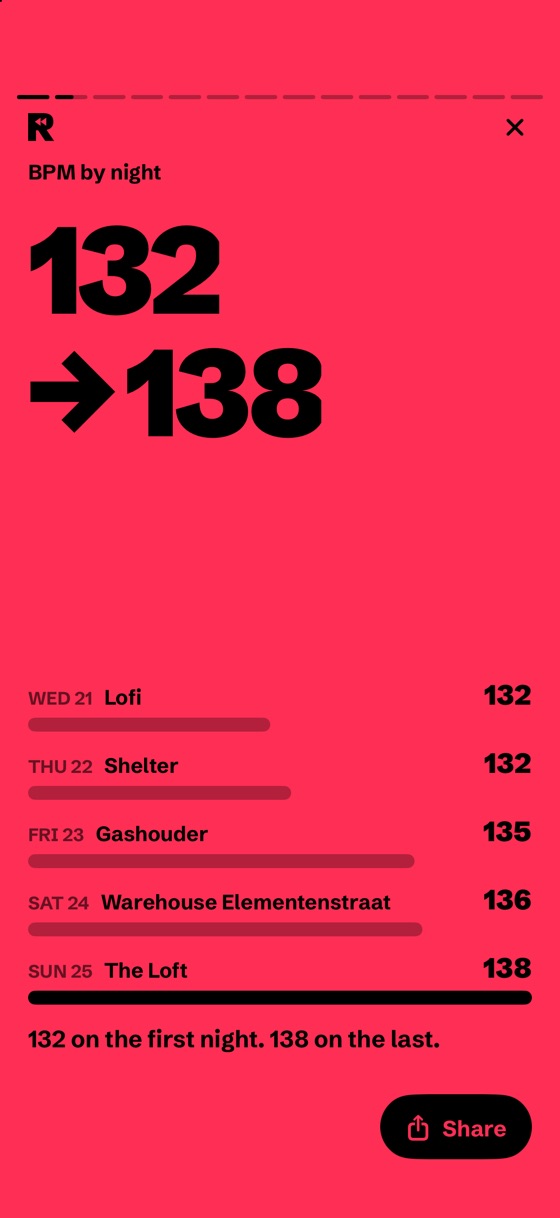
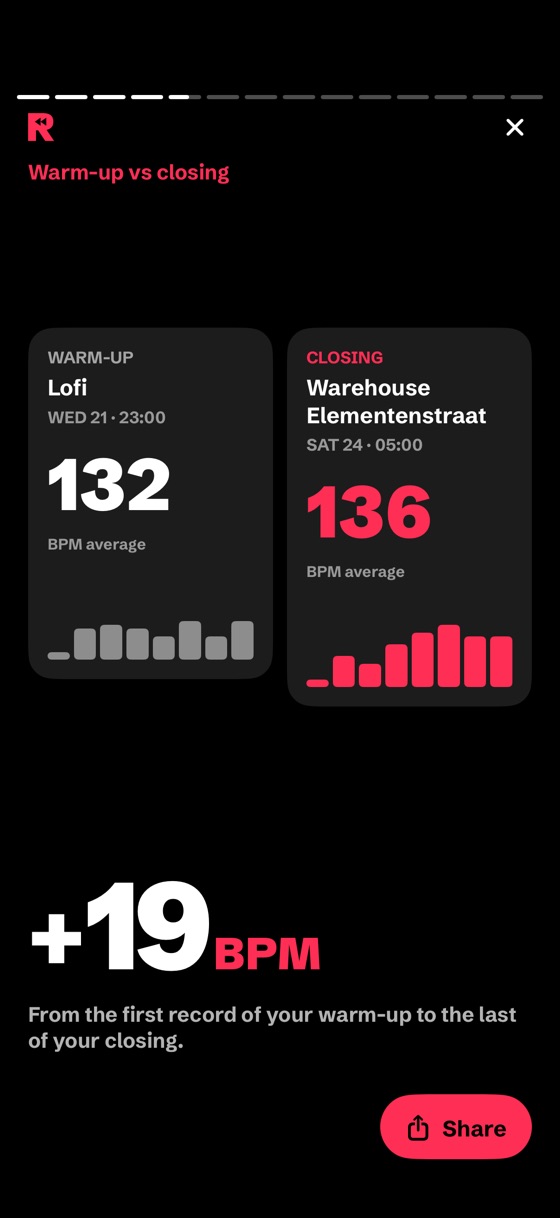
Where you started, where you ended, and how you built the night.

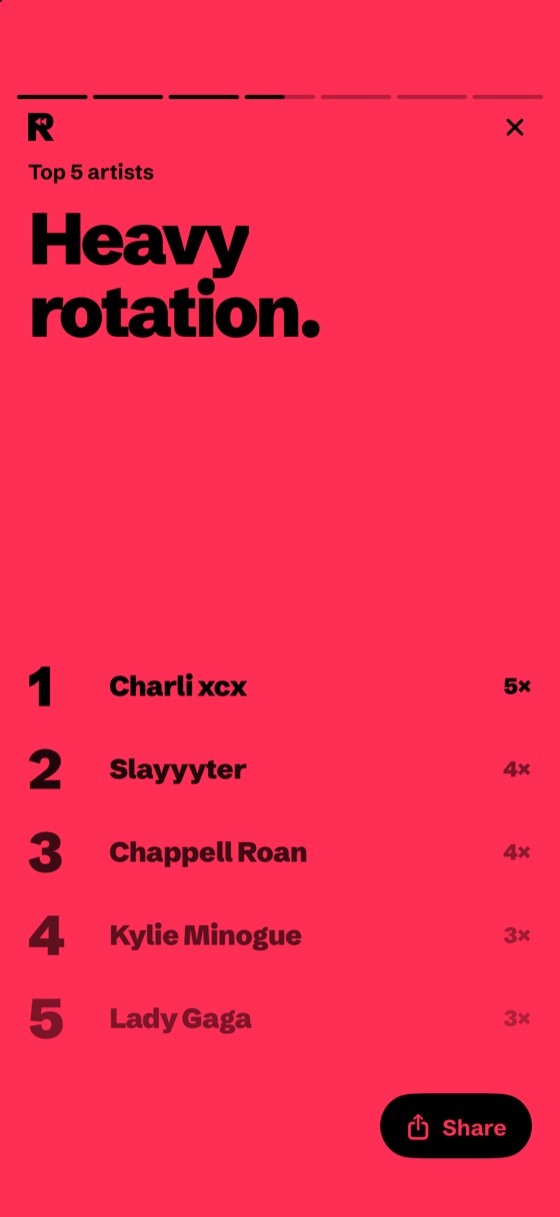
Your top 5 artists of the night, the month or the whole year.

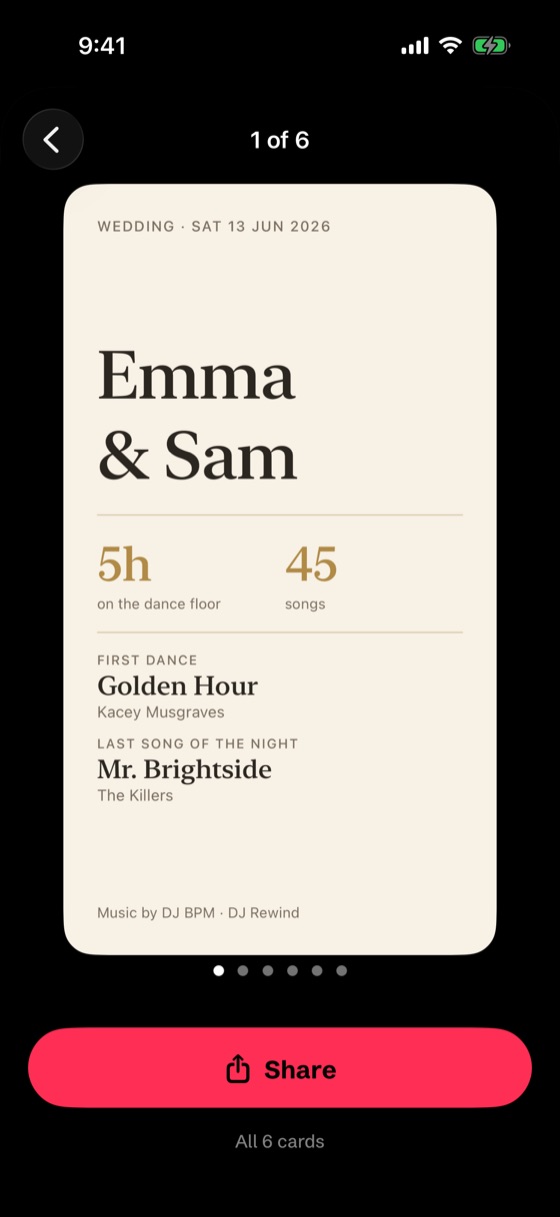
The first dance and the whole tracklist, as cards for the couple.

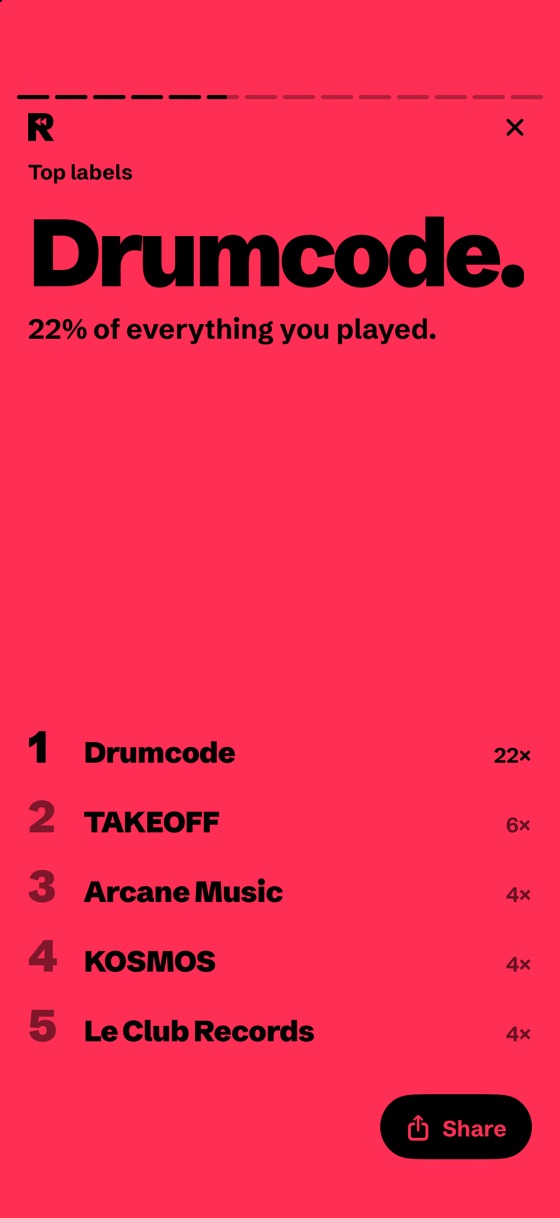
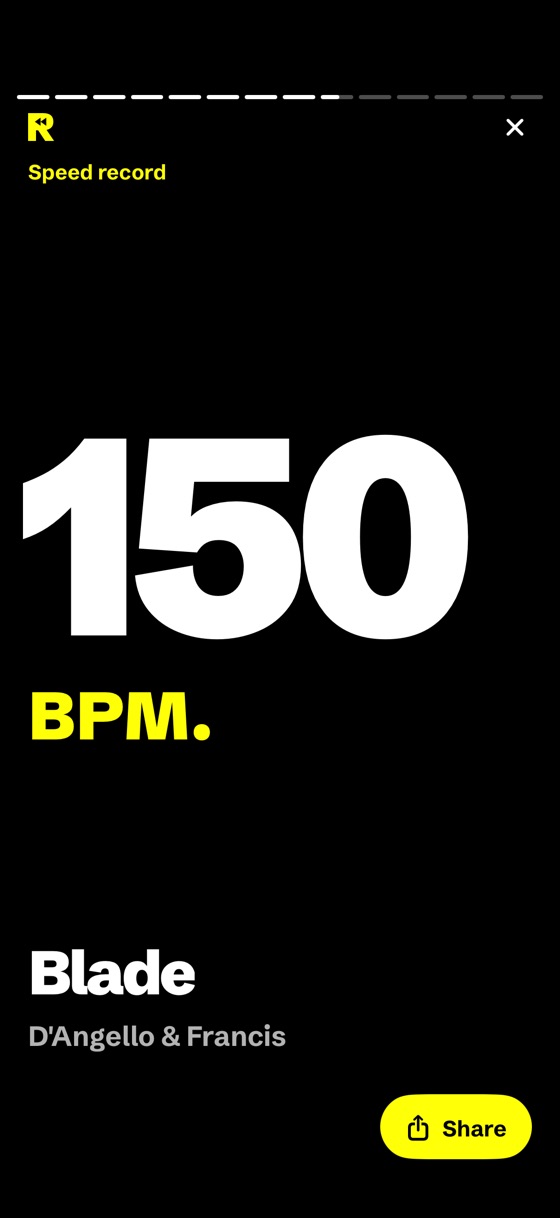
BPM, keys, labels. The stuff you actually care about. Here's an ADE week, rewound.
From your first record to your last.
Where your sets live.
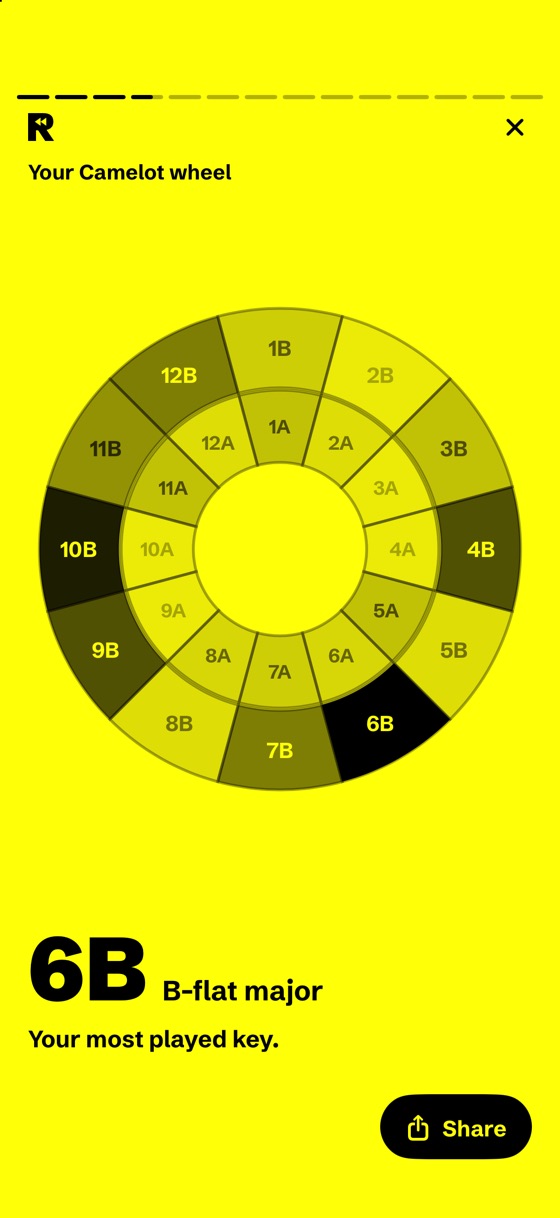
Your most played key.
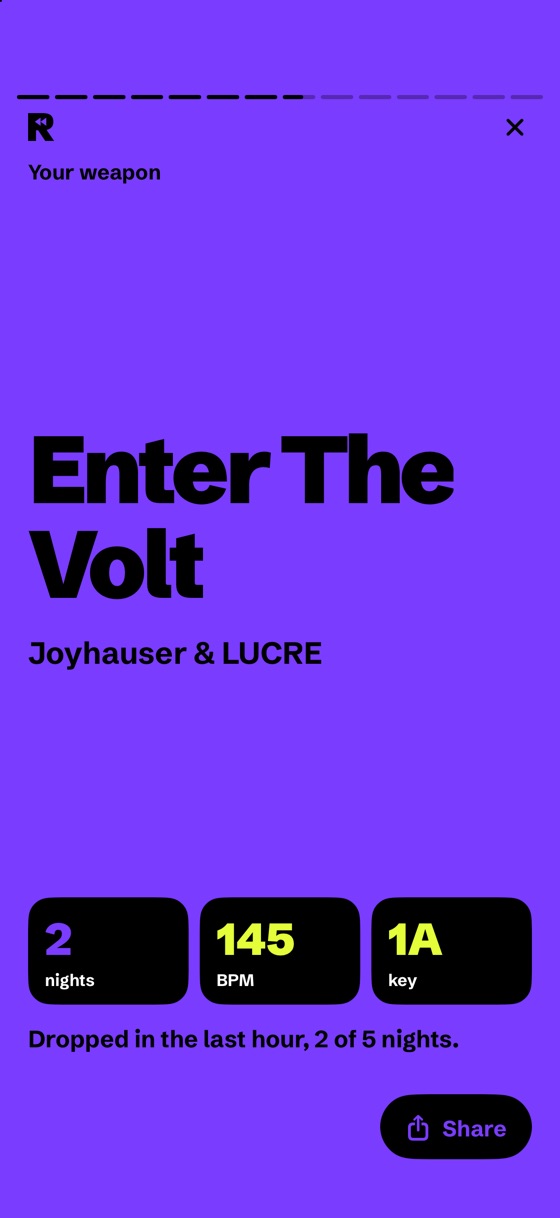
Five nights at ADE, counted for you.
Your keys, on the wheel.
Your fastest track, counted up.
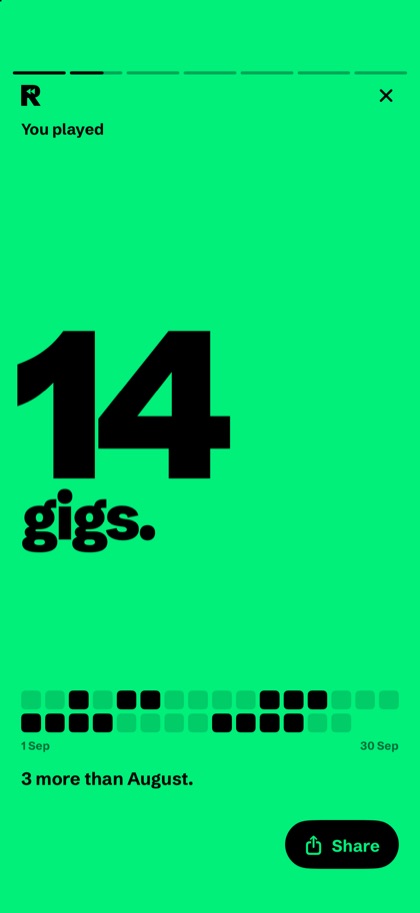
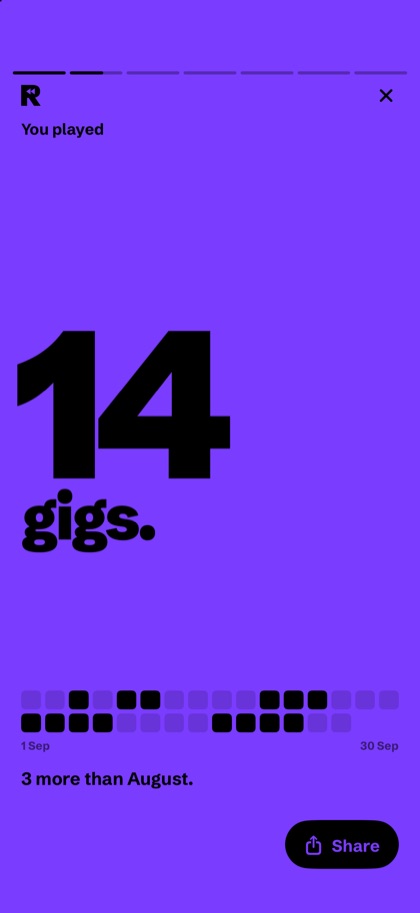
The whole app and every card you share, in the colour that fits your night.


No laptop, no upload. Just the phone that's already in your pocket after the gig. Your iPhone reads the stick directly, your stories are right there, and nothing gets uploaded.
Only to prepare your stick, like you already do. After the gig, no laptop and no syncing: plug the stick into your iPhone and DJ Rewind reads your history straight from it.
Yes. Lightning iPhones work with Apple's Lightning to USB 3 Camera Adapter, and a USB-A stick on a USB-C iPhone just needs a USB-C to USB-A adapter. You need iOS 18 or newer, so iPhone XS, XR or later, or iPhone SE (2nd generation) or later.
Never. DJ Rewind only reads your play history. Your stick, playlists and cue points stay exactly as they were.
USB sticks exported from rekordbox that you played from on club players. During the beta I'm testing as many players as I can, so tell me which ones you use.
It stays with you. During the beta, everything lives on your phone. In the App Store version, it also backs up to your iCloud: new iPhone, same Rewinds.
The basics are free, for good: your newest month, your set after every gig and your tracklist as text. Premium unlocks themes, cards with your DJ name, wedding and private-event cards and your full-year Rewind, for a monthly or yearly fee. During the beta, it's all free.
Join the beta and I'll send you a TestFlight invite as soon as it opens. iPhone only.
Made by Frey, a DJ who wanted his own Rewind.
I'll send your TestFlight invite as soon as the beta opens. Follow @djrewind.app in the meantime.